

Why an eSIM is Your Best Mate for Australia 2027
Australia is vast, and the Rugby World Cup isn't just one city, it's a multi-city affair. You'll likely be hopping from Sydney to Melbourne, maybe even up to Brisbane or over to Perth for different pool matches and knock-out rounds. Relying on patchy hotel Wi-Fi or hunting for a local SIM card at every new airport is a headache you don't need when match day anticipation is high.
I've been on the road for four years now, and the golden rule for any big event, especially one spanning a continent, is seamless connectivity. An eSIM cuts through all the usual travel tech drama. No more fumbling with tiny ejector tools, no more losing your home SIM in a hotel drawer (been there, done that, never again). You activate it digitally, usually with a QR code, and you're good to go. This is particularly crucial for a high-stakes event like the World Cup, where real-time updates, navigation, and coordinating with your mates are essential.
Think about it: you land at Sydney Airport (SYD), exhausted from a long-haul flight. Do you really want to queue at a Vodafone or Telstra kiosk, fill out forms, and potentially deal with language barriers, all while jet-lagged? Or would you prefer to have your data working the moment your plane touches down, letting you order an Uber, check the news, and message your friends without a hitch? The answer is pretty obvious. For a deep dive into device-specific setup, check out our guide on Galaxy S25 Ultra 2026: Activating eSIM for Uninterrupted 5-Star Roaming, it covers the general principles well.
Immediate Activation, No Airport Scramble
The beauty of an eSIM is its instant gratification. You buy it online before you leave home, it arrives via email, and you activate it with a few taps on your phone. This means you're connected the second you land, ready to navigate to your accommodation or check the latest team news. I remember my first trip to Brazil, trying to get a local SIM for a bank app, and it was a nightmare. Some local apps, especially banking ones like Bradesco or Itaú, or government services like India's Aadhaar, often require a local number for verification. An eSIM won't solve those specific local number needs, but for general data, it's a lifesaver.
Multi-City Perks: Stay Connected Across Australia
Australia is massive, with host cities spread across thousands of kilometers. An eSIM covers you nationwide, meaning you don't need to switch plans or buy new SIMs as you travel from Sydney to Brisbane or Melbourne. This seamless transition is priceless when you're on a tight schedule between matches. Imagine flying into Perth, catching a game at Perth Stadium, then hopping a flight to Adelaide for the next round. Your eSIM just keeps working.
Navigating Australia's Diverse Cities with an eSIM
Getting around Australian cities is generally straightforward, but having reliable data makes it foolproof. Google Maps, Citymapper, and public transport apps like Opal (Sydney) or Myki (Melbourne) are essential. Without data, you're back to paper maps and hoping for free Wi-Fi, which, let's be honest, is rarely reliable when you need it most.
From my experience, the central business districts (CBDs) of Sydney and Melbourne are well-covered, but once you venture into the suburbs or regional areas between host cities, connectivity can get dicey. That's where a strong, consistent eSIM signal from a reputable provider really shines. It's not just about getting to the stadium, it's about finding that hidden laneway bar in Melbourne's CBD for a post-match pint or navigating the confusing public transport system in Brisbane.
Public Transport and Ride-Sharing
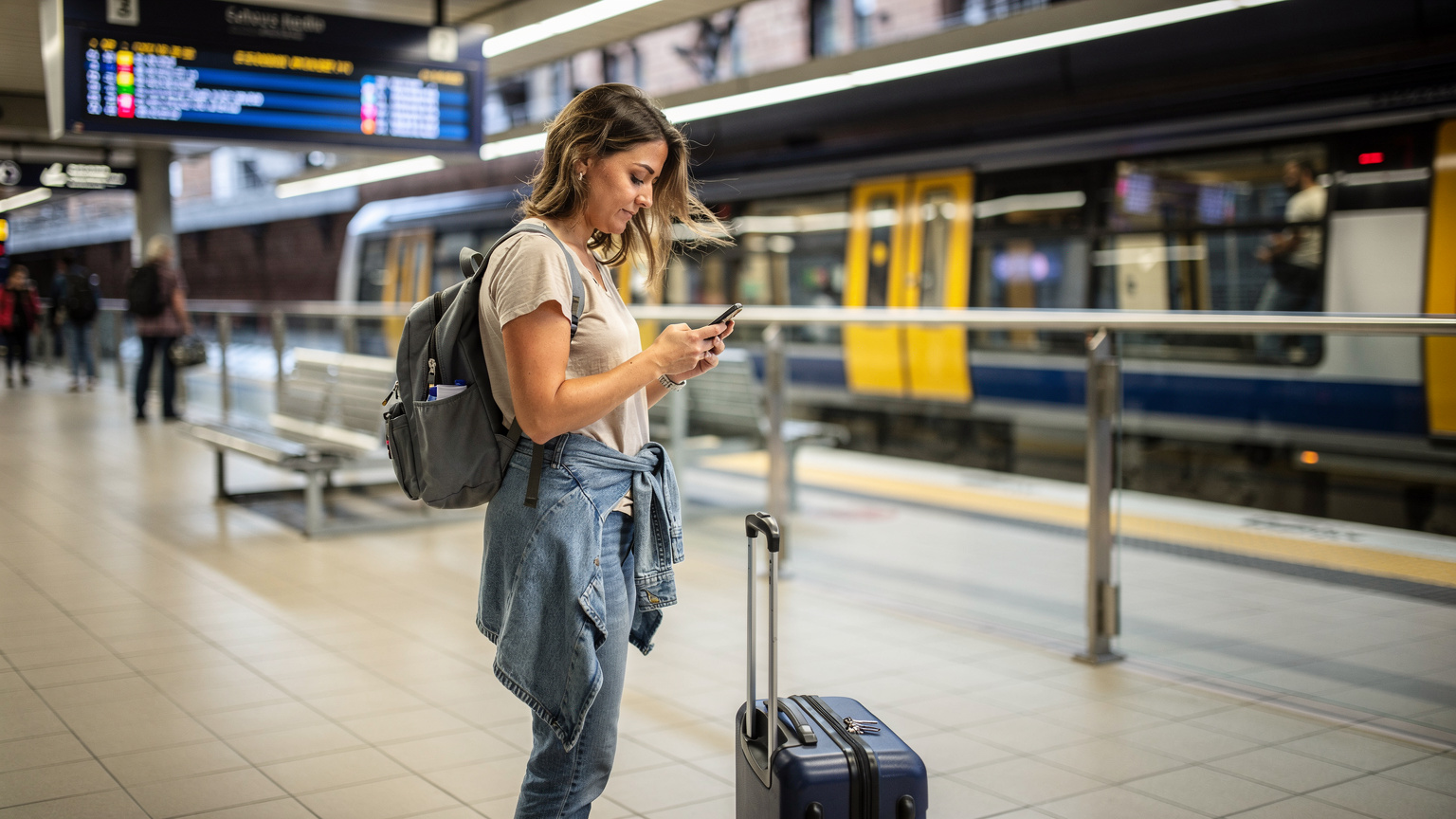
Australia's public transport systems are efficient, but you need data for real-time updates. The Opal card in Sydney, the Myki card in Melbourne, and TransLink in Brisbane all have apps that provide schedules, disruptions, and top-up options. Relying on Wi-Fi at stations is a gamble. For ride-sharing, Uber and Didi are widely available, but again, a stable data connection is non-negotiable for booking rides, tracking your driver, and ensuring you get to the right pickup point. I've been stuck in plenty of places, from Lima to Tokyo, where a lack of data meant missed connections and wasted time.
Finding Food and Accommodation on the Go
Beyond the stadiums, you'll want to explore the local food scene. Apps like Zomato or TheFork are great for finding restaurants and making reservations. For accommodation, Airbnb and Booking.com are your friends, especially if you're looking for last-minute stays or local experiences. Having data to check reviews, compare prices, and confirm bookings on the fly is essential. I've found that even well-known co-working spaces like Hubud in Bali have their Wi-Fi moments, so having backup data is always smart.
Stadium Connectivity and Post-Match Celebrations
Stadiums are notorious for overloaded networks. Thousands of people all trying to upload selfies and stream replays can bring even the best mobile networks to their knees. While an eSIM won't magically create bandwidth where there isn't any, it ensures you're on the best available network with the strongest signal, giving you a fighting chance to get your message out.
After the final whistle, celebrations are in order. Whether you're heading to a local pub, a fan zone, or simply back to your accommodation, having data means you can find the best spot, coordinate with friends, and share your victory or commiserate over a loss. I've seen enough people frantically searching for Wi-Fi in a crowded bar to know that having your own data is far superior.
Live Scores and Match Updates
Even if you're in the stadium, you might want to check scores from other matches or get instant replays. Apps like the official Rugby World Cup app or sports news platforms will be your go-to. An eSIM ensures you're not left in the dark, wondering about a controversial call or the result of another crucial game. This is where the reliability of your data connection truly matters, especially if you're a fantasy rugby player!
Social Media and Sharing the Excitement
The World Cup is a global spectacle, and sharing your experience on social media is part of the fun. From Instagram stories of the atmosphere to WhatsApp messages with friends back home, a stable data connection makes it possible. You don't want to be the one waiting until you get back to your hotel to upload that epic try you witnessed live. For instance, when I was in Japan for the Cherry Blossoms, I used my eSIM to share every bloom, not every Yen, instantly.
Choosing the Right eSIM Plan for Your Rugby Trip
Picking an eSIM plan isn't a one-size-fits-all situation. It depends on how long you're staying, how much data you typically use, and whether you need regional coverage or just a single country plan. For a multi-city event like the World Cup, a regional Australia plan is usually the smartest move. It saves you the hassle of managing multiple country-specific plans.
Consider your data habits. Are you a heavy streamer, or do you just need data for navigation and messaging? Most travelers find that 10-20GB for a two-week trip is a good starting point, but if you're planning on uploading high-res videos or working remotely from a cafe between matches, you'll need more.
| Data Usage Profile | Recommended eSIM Plan | Typical Activities |
|---|---|---|
| Light User | 5-10 GB for 2-4 weeks | Messaging (WhatsApp, Signal), light navigation, email checks, occasional social media. |
| Moderate User | 15-30 GB for 2-4 weeks | Frequent social media, Google Maps, light streaming (music), video calls, some work emails. |
| Heavy User | 30 GB+ for 2-4 weeks | Constant streaming (video, music), heavy social media, remote work (video conferences, large file uploads), hot-spotting. |
Data-Only vs. Data Plus Calls
Most eSIMs are data-only, which is perfectly fine for 99% of travelers these days. With WhatsApp, Messenger, and other VoIP apps, you can make calls and send messages without needing a local phone number. If you absolutely need a local Australian number for calls to local businesses or friends, you might consider a physical SIM from Telstra, Optus, or Vodafone Australia, but be prepared for the extra hassle.
Validity Periods and Top-Ups
Pay close attention to the validity period of your eSIM plan. Some are 7 days, some 15, some 30. Match your plan's validity to your trip length. If you're staying longer, look for plans that allow easy top-ups. This flexibility means you won't be caught without data in the middle of a crucial match or while trying to find your way home after a late-night celebration.
Setting Up Your eSIM: A Pre-Kick-Off Checklist
Getting your eSIM ready before you land in Australia is key. It eliminates stress and ensures you're connected from the moment you step off the plane. I always activate my eSIM while still in my home country, usually a day or two before departure. That way, if any issues arise, I have stable Wi-Fi and ample time to troubleshoot.
Remember to check if your phone is eSIM compatible. Most newer models are, especially iPhone 11 and later, and many recent Android flagships. If you're unsure, a quick Google search for your specific model will confirm. You wouldn't want to arrive in Australia only to find your phone can't use an eSIM. For detailed setup guides, we have specific instructions like Pixel 9 eSIM Setup for Backpackers: Your Free Guide to Data Abroad 2026.
Purchasing and Activation Steps
- Verify eSIM Compatibility: Double-check that your smartphone supports eSIM technology. Most modern phones, including recent iPhones and Android devices, do.
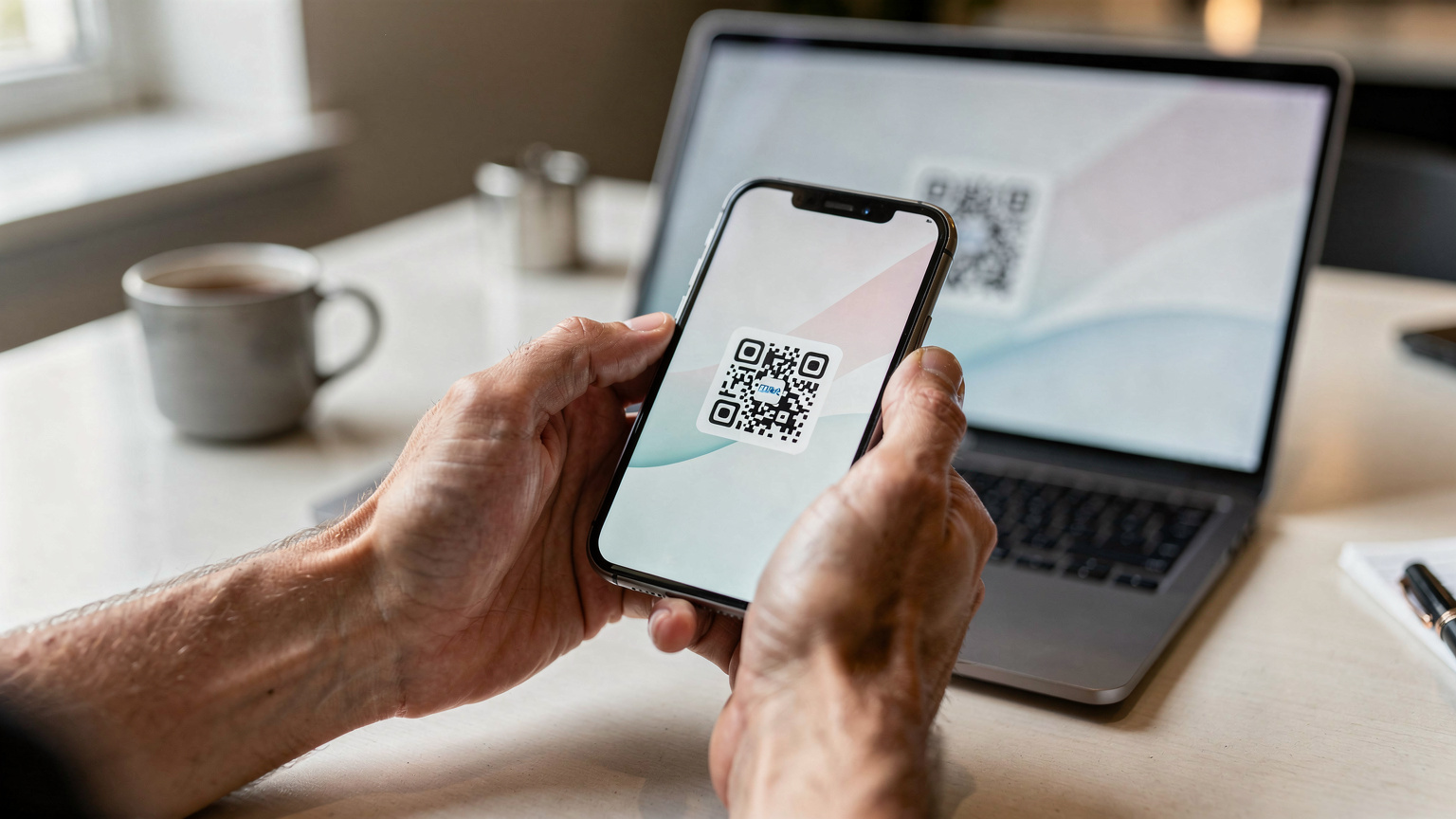
- Purchase Your eSIM Plan: Visit the Australia eSIM page and choose a data plan that suits your expected usage and trip duration. You'll receive a QR code or manual activation details via email.
- Install the eSIM (Before Departure): While still on Wi-Fi at home, go to your phone's Settings > Cellular/Mobile Data > Add eSIM. Scan the QR code or enter the details manually. Do not activate the plan fully until you are ready to use it, but install it.
- Enable Data Roaming for eSIM Line: Once you land in Australia, go to your phone's settings, select your newly installed eSIM line, and ensure 'Data Roaming' is turned ON for that line. Turn off data roaming for your primary (home) SIM to avoid unexpected charges.
- Select eSIM for Mobile Data: In your phone's Cellular/Mobile Data settings, choose your eSIM as the primary line for mobile data. You can keep your home SIM active for calls/texts if needed (though be aware of roaming charges for these services).
Common Connectivity Snags and How to Avoid Them
Even with an eSIM, things can occasionally go sideways. I've learned that anticipating problems is half the battle. The most common issues are usually user error or simple settings mishaps, not fundamental flaws with the eSIM itself. A little preparation goes a long way.
Data Roaming Settings
The biggest culprit for