
Why an eSIM Is Your Best Travel Buddy
As a seasoned family travel planner who's navigated everything from a toddler's meltdown in an Italian piazza to a tween's urgent demand for Disney+ on a long-haul flight, I can tell you that connectivity isn't just a luxury, it's a lifeline. For solo female travelers venturing into the vibrant tapestry of Southeast Asia, this becomes even more pronounced. The peace of mind that comes with knowing you can always call for help, check a map, or simply connect with loved ones back home is invaluable.
Forget the days of hunting for local SIM cards, fumbling with tiny trays, and trying to explain your data needs in broken English. An eSIM streamlines the entire process, allowing you to activate a local data plan before you even leave your living room. This means stepping off the plane in, say, Noi Bai International Airport in Hanoi, and having instant access to Google Maps to find your pre-booked Grab taxi, or WhatsApp to let your family know you've landed safely. No more panic-inducing moments of being disconnected in a new, bustling environment, which, let's be honest, can feel a little daunting even for the most seasoned traveler.
The Freedom of Instant Connectivity, Right From Arrival
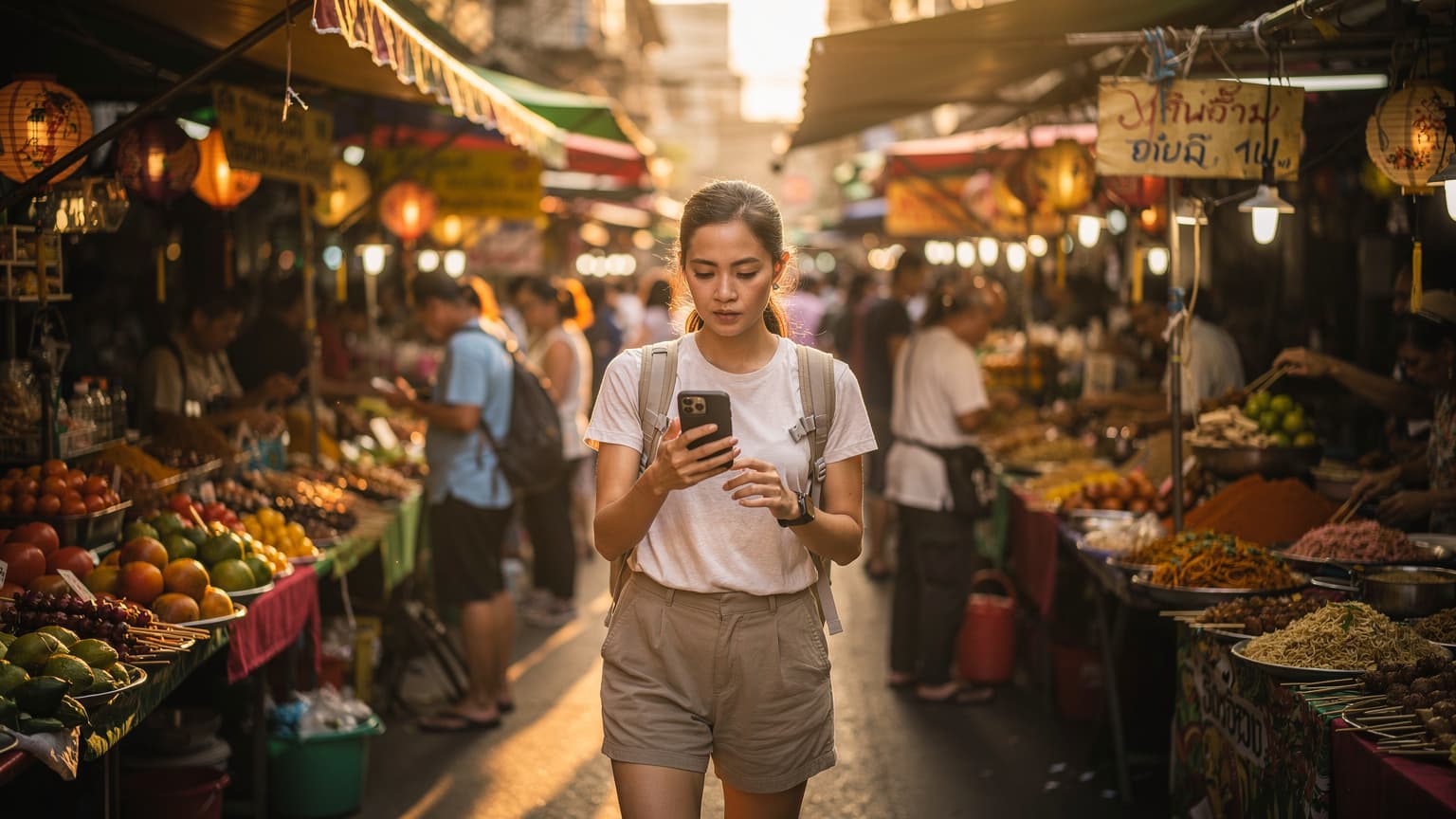
Imagine arriving in Bangkok, the air thick with the scent of street food and exhaust fumes, and your phone just... works. No frantic search for airport kiosks, no worrying about language barriers, just seamless transition from airplane mode to full connectivity. This is the magic of eSIMs. It’s like having a digital guardian angel in your pocket, ready to assist with directions, translations, or quick research on that intriguing temple you just spotted.
Beyond Convenience, It's About Security
For solo female travelers, security is paramount. An eSIM provides a stable, reliable connection that can be crucial in unforeseen circumstances. Need to quickly look up the nearest police station? Check current safety advisories? Share your live location with a trusted contact? All these actions rely on a robust data connection. Unlike relying solely on public Wi-Fi, which can be spotty and insecure, your personal eSIM connection offers a private and consistent link to the world.
Pre-Trip Planning: Essential Apps and Data Needs
Before any big trip, my planning spreadsheet is practically a work of art. For Southeast Asia, especially as a solo female traveler, your digital toolkit needs to be just as meticulously prepared. This isn't just about entertainment, it's about empowerment and safety.
Curating Your Digital Safety Net
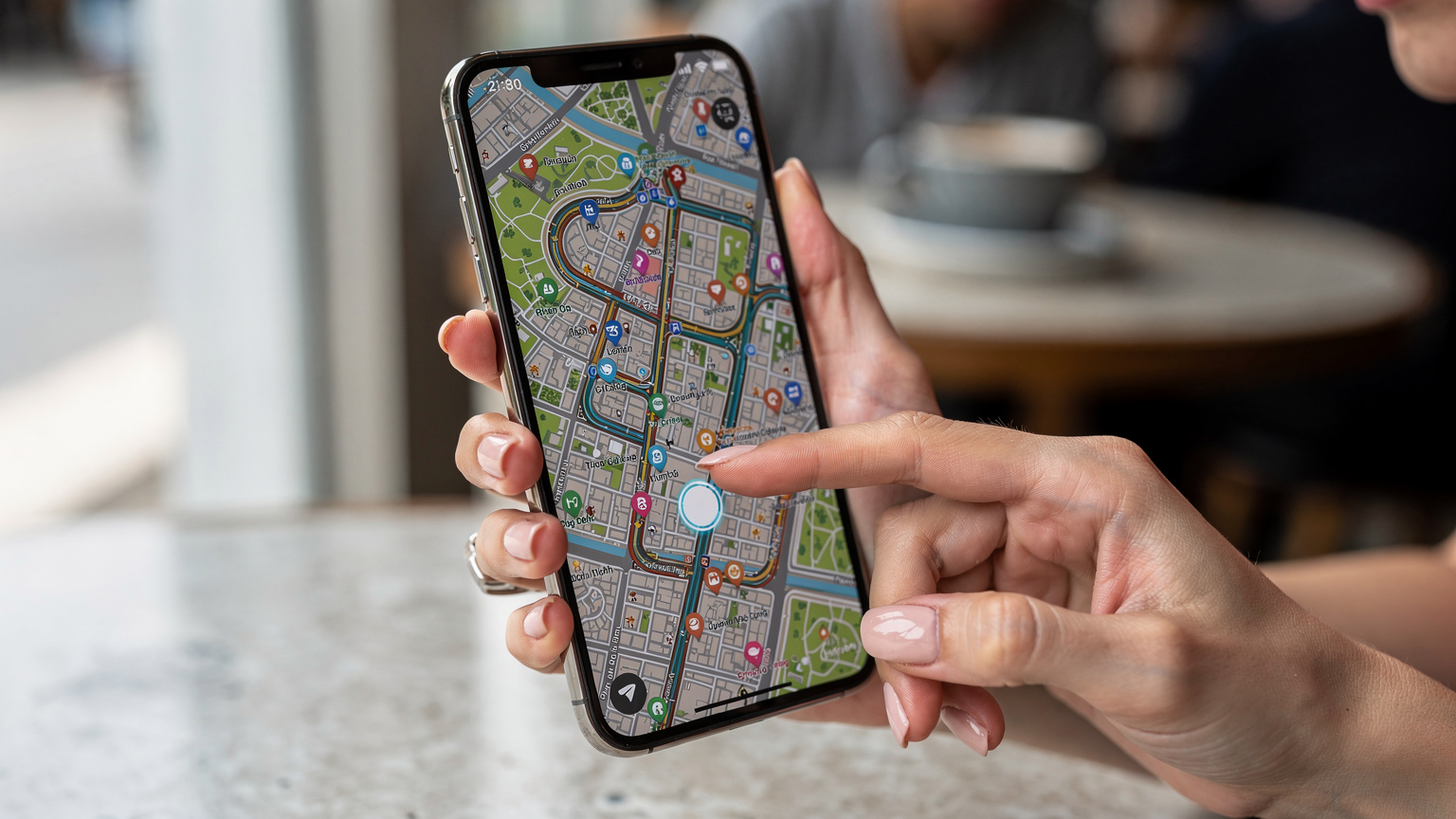
Think about the apps you'll truly rely on. Google Maps is a given, but also consider offline map capabilities (more on that later). Translation apps like Google Translate (download those language packs!) are crucial. For communication, WhatsApp is king in Southeast Asia, so ensure it's set up and verified. Emergency contact apps, local ride-hailing services like Grab or Gojek, and even a reliable VPN are all worth pre-loading. And for those moments when you just need a break, having a few pre-downloaded podcasts or movies on Netflix or Disney+ will be a welcome distraction, no matter how much data you have.
Estimating Your Data Requirements
This is where the parent in me shines. I've become an expert at estimating data usage, largely because my kids can decimate a data plan faster than I can say "Are you *still* watching that?" For a solo traveler, your needs might be different from a family streaming Disney+ on two separate iPads, but you still need a healthy buffer. Video calls with family, uploading photos to social media, streaming music on Spotify, and constant map usage all add up. A general rule of thumb for moderate use would be 3-5 GB per week, but if you're a heavy streamer or relying heavily on video calls, consider a larger plan. Some plans offer unlimited data, which can be a relief, especially if you're planning to use your phone as a hotspot, (for those moments when you might just need to share a quick video of a monkey stealing your snack).
| Activity | Estimated Data Usage (per hour) | Solo Traveler Weekly Estimate | Family w/2 Kids Weekly Estimate |
|---|---|---|---|
| Google Maps Navigation | 5-10 MB | 0.5 GB | 0.7 GB |
| WhatsApp Messaging/Calls | 10 MB (messages), 100 MB (video call) | 1 GB | 1.5 GB |
| Social Media Browsing (Instagram, TikTok) | 100-200 MB | 2 GB | 3 GB |
| Netflix/Disney+ Streaming (SD) | 700 MB | 0.5-1 GB (pre-downloaded content preferred) | 5-10 GB (for 2 kids) |
| Email/Web Browsing | 20-50 MB | 0.5 GB | 0.8 GB |
| Photo/Video Uploads (Cloud Sync) | Variable (100MB+ per batch) | 1-3 GB | 2-5 GB |
| Total Weekly Estimate (Moderate Use) | N/A | ~5-8 GB | ~10-20 GB |
Parental Controls on the eSIM Line?
While an eSIM primarily provides data, the beauty of having a dedicated line on your phone (or a secondary device for a child, for that matter) is that you can apply existing parental control features. Many phones, like iPhones and Android devices, allow you to set screen time limits, restrict app usage, and filter content through their built-in parental control settings. This is particularly useful if you're traveling with a secondary device for a child, ensuring their online safety without needing a separate subscription or complex setup. The eSIM provides the pipe, and your phone's OS handles the rules. For me, knowing I can limit YouTube Kids or block in-app purchases even on a temporary travel line is a game-changer.
Choosing the Right eSIM Plan for Southeast Asia
The market for eSIMs can feel a bit like a sprawling Southeast Asian night market, full of choices and vibrant promises. How do you pick the right one for your solo adventure? It comes down to understanding your itinerary, your data needs, and your budget.
Regional vs. Single-Country Plans
If your journey includes hopping between countries like Thailand, Vietnam, and Cambodia, a regional Southeast Asia eSIM plan is often the most cost-effective and convenient. It means one purchase, one activation, and continuous connectivity across borders. If you're focusing solely on one country, say, a deep dive into Indonesia, a single-country plan might offer more data for less or better local network optimization.
| Plan Type | Best For | Pros | Cons |
|---|---|---|---|
| Single-Country eSIM | Extended stays in one country (e.g., a month in Vietnam) | Potentially lower cost per GB, optimized local network, more data options. | Requires new eSIM for each country, less convenient for multi-country trips. |
| Regional Southeast Asia eSIM | Multi-country itineraries (e.g., Thailand, Cambodia, Vietnam) | Seamless connectivity across borders, one setup, less hassle. | Slightly higher cost per GB, data speeds might vary by country/partner. |
| Global eSIM | Long-term world travel, very complex itineraries | Extensive global coverage, ultimate convenience. | Highest cost per GB, often fewer data options in specific regions. |
Data Volume and Validity Periods
Match your data plan to your trip duration. If you're backpacking for three weeks, a 20GB plan might be perfect, allowing for daily navigation, social media updates, and video calls home. For a shorter, more intense week of exploring, a smaller 5GB plan might suffice, especially if you plan to leverage hotel Wi-Fi. Always err on the side of slightly more data than you think you'll need, just in case you find yourself relying on it more than expected (which, trust me, happens).
Understanding Network Coverage
Before purchasing, quickly check the local network partners for your chosen eSIM provider. For instance, in Thailand, you'll want to see partners like AIS, DTAC, or TrueMove H. In Vietnam, Viettel or Mobifone are strong contenders. Good coverage means peace of mind, especially if you venture outside major cities. Look for eSIM providers that partner with the top local carriers to ensure the best possible speeds and reliability.
Staying Connected On The Go: Urban to Remote
From the bustling streets of Bangkok to the serene rice paddies of Bali, your connectivity needs will ebb and flow. The key is to have a plan that adapts, ensuring you're never left scrambling for a signal.
Urban Jungle Navigation
In cities like Singapore, Kuala Lumpur, or Ho Chi Minh City, network coverage is generally excellent. You'll have no trouble with real-time map updates, searching for the best hawker stalls, or booking a ride-share. The challenge here is often finding your way through crowded areas, and a reliable data connection ensures your map app doesn't freeze just when you need it most. I remember once, in Rome, my phone decided to lose signal right in the middle of the Colosseum grounds, with two very impatient children. Never again, I vowed.
Island Hopping and Remote Retreats
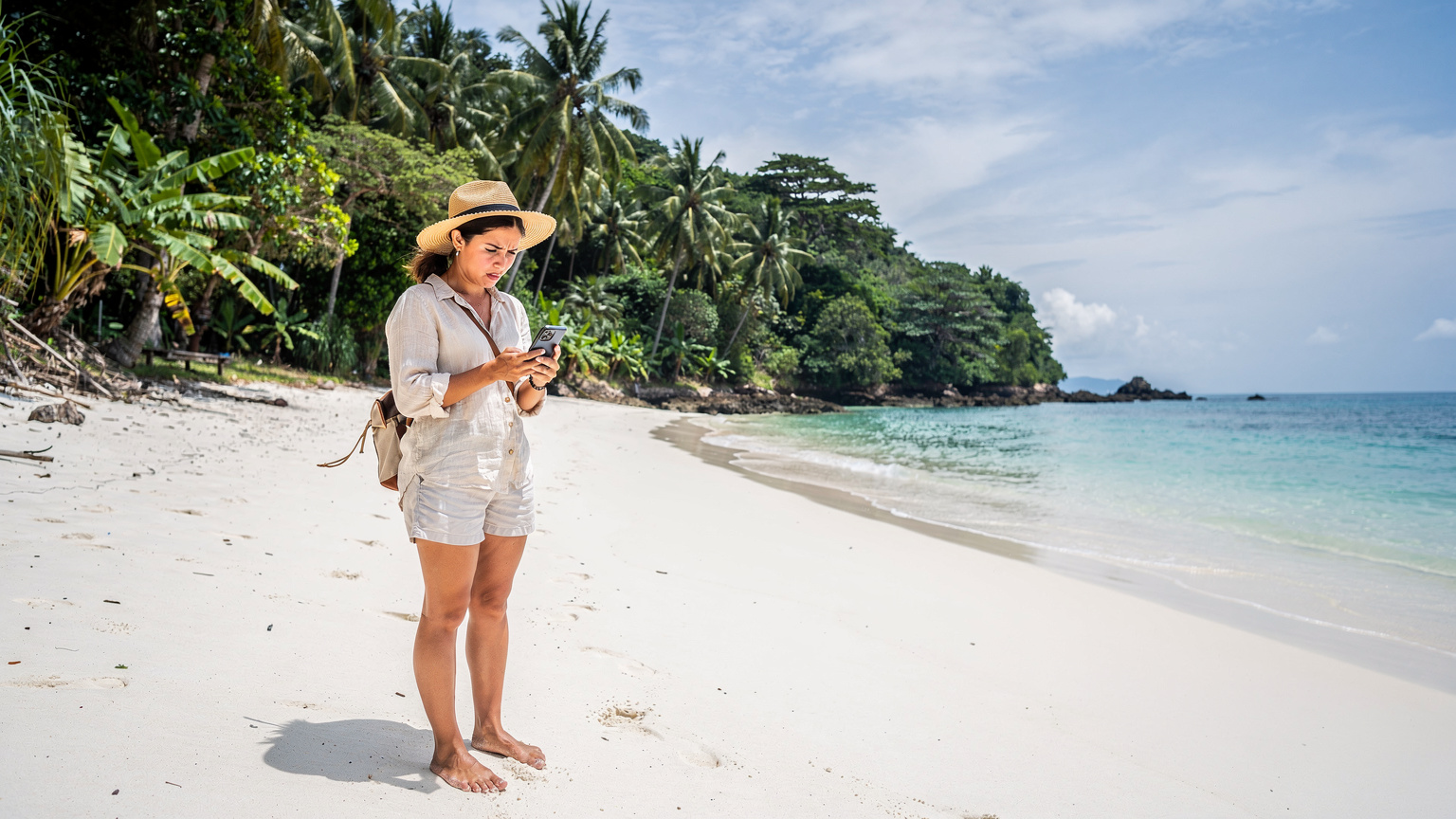
This is where an eSIM truly shines over physical SIMs, which might require you to switch cards when moving from mainland to island. When you're island hopping in the Philippines or exploring the remote corners of Laos, connectivity can become more sporadic. Many eSIMs leverage multiple local networks, automatically switching to the strongest available signal. This multi-carrier advantage can be a lifesaver when you're trying to confirm ferry times or check into a remote guesthouse. While coverage won't be perfect everywhere, it significantly increases your chances of staying connected in less populated areas.
Connectivity Inside Theme Parks and Cruise Ships
Ah, the age-old question: will my data work where I really need it, like inside a theme park or, heaven forbid, on a cruise ship? Theme parks, surprisingly, often have decent cell coverage due to the sheer volume of people. In places like Universal Studios Singapore or Disneyland Hong Kong, your eSIM should perform well enough for checking wait times, ordering food via app, and, yes, even allowing your child to stream a quick cartoon while waiting in line (if you're a parent, you know the drill). Cruise ships are a different beast, however. While they often offer their own satellite Wi-Fi packages (usually expensive), your eSIM will likely only connect when you are within range of land-based cell towers. This means you’ll have coverage when docked in port, but once you sail into open water, prepare for a digital detox, or budget for the ship’s Wi-Fi. Always check your itinerary and plan for offline entertainment for those at-sea days, especially if you have kids who rely on their devices.
Safety Features and Emergency Preparedness
This is arguably the most critical aspect for solo female travelers. An eSIM isn't just about Instagram; it's about being prepared for anything.
Always-On Communication
Having a reliable data connection means you can always communicate. This includes checking in with family, reaching out to your embassy or consulate, or contacting local authorities. Keep important numbers saved, and consider sharing your itinerary and live location with a trusted friend or family member via apps like Google Maps or Find My iPhone. This simple step provides an extra layer of security.
Accessing Emergency Services
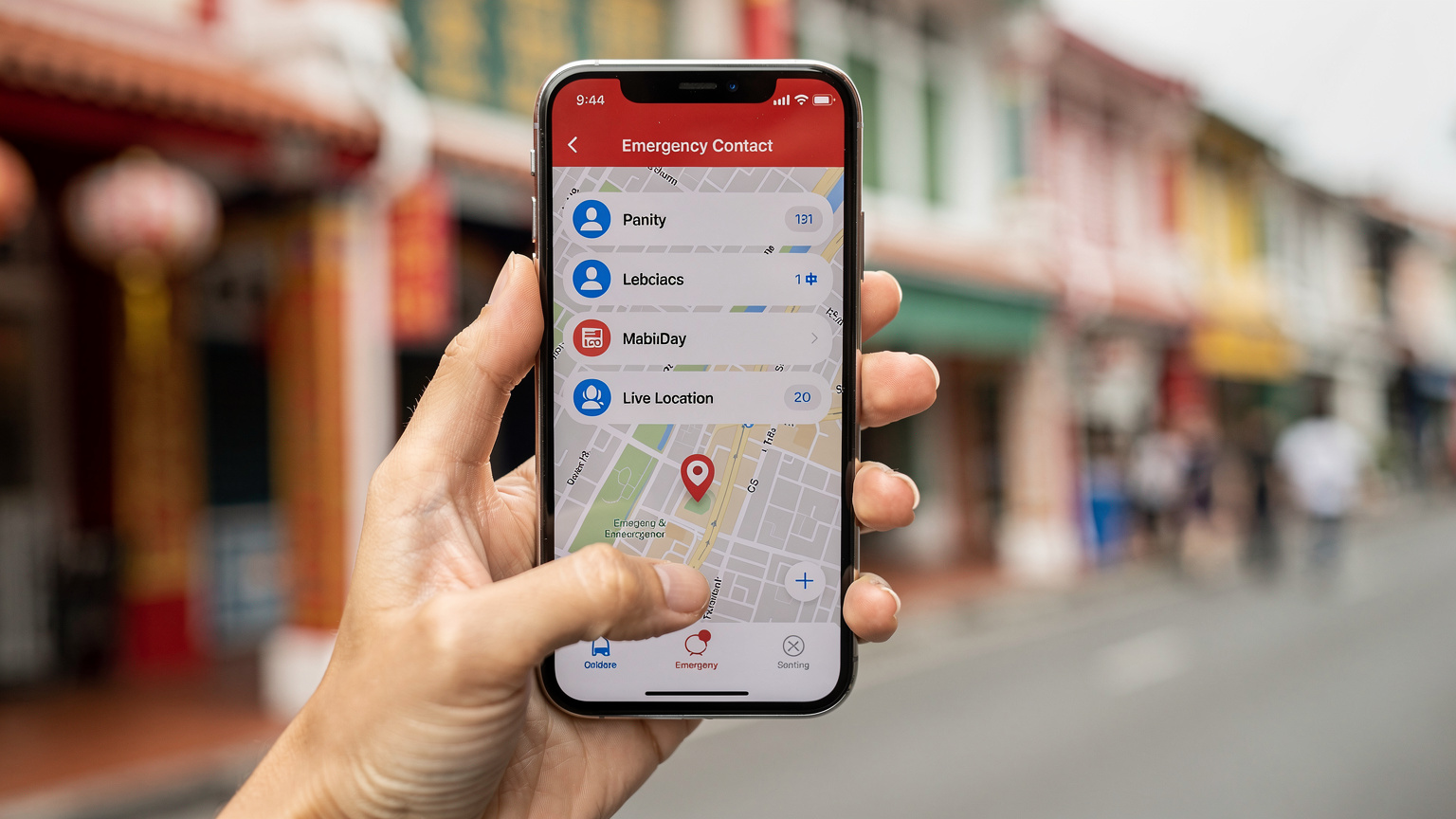
In an emergency, every second counts. With an eSIM, you can quickly:
- Call local emergency numbers: Know the numbers for police, ambulance, and fire services in each country you visit (e.g., 191 for police in Thailand, 113 for police in Vietnam).
- Use ride-hailing apps: If you feel unsafe, you can quickly book a Grab or Gojek to take you directly to your accommodation or a safe public place.
- Translate on the fly: If you need to explain a situation to a local, a translation app can be invaluable.
Registering with Your Embassy
Many countries offer a traveler registration program (e.g., STEP for US citizens, Smartraveller for Australians). Registering your travel plans allows your embassy to contact you in case of an emergency, such as a natural disaster or civil unrest. Having an active eSIM ensures they can reach you and you can receive important alerts.
Quick Guide: Setting Up Emergency Contacts and Location Sharing
- Add local emergency numbers: Before you depart, save the emergency numbers for each country you'll visit directly into your phone's contacts. Label them clearly (e.g., "Thailand Police").
- Set up Medical ID: On iPhones, go to Health app > Medical ID > Edit. Add emergency contacts and medical information. Android has similar features under "Emergency Information" in Settings.
- Enable Location Sharing: In Google Maps, tap your profile picture > Location sharing. Choose who to share with and for how long. For iPhone users, use the Find My app.
- Download offline maps: As a backup, ensure you have offline maps for key areas (see section below).
Navigating Local Transport and Attractions With Ease
Southeast Asia's charm often lies in its vibrant, sometimes chaotic, local experiences. An eSIM turns potential stress into smooth sailing.
Mastering Public Transportation
Whether it's the BTS Skytrain in Bangkok, the MRT in Singapore, or a local bus in Bali, public transport can be intimidating without real-time information. Your eSIM empowers you to use apps like Google Maps or local transport apps to:
- Plan routes: Get accurate directions, estimated travel times, and fare information.
- Track your journey: See where you are on the map and know when to get off.
- Find alternatives: If one route is delayed, quickly find another option.
This is especially helpful when you're trying to figure out which *songthaew* to flag down in Chiang Mai. Or when you're trying to wrangle two kids onto the Tokyo Yamanote line, knowing exactly which platform and car to aim for is everything.
Booking and Ticketing on the Go
Many attractions, tours, and even some restaurants in Southeast Asia now rely on online booking or digital tickets. With a reliable eSIM, you can:
- Purchase tickets: Secure entry to popular sites like Angkor Wat or the Petronas Twin Towers directly from your phone.
- Confirm reservations: Double-check hotel bookings or tour times.
- Access e-tickets: Keep all your confirmations and tickets easily accessible, reducing the need for printouts.
Managing Data and Battery Life Smartly
Even with an ample eSIM plan, smart usage is key to avoiding those dreaded "data running low" notifications and ensuring your phone doesn't die at a critical moment.
Data Conservation Strategies
- Leverage Wi-Fi: Whenever reliable Wi-Fi is available (hotels, cafes, airports), switch off your mobile data for heavy tasks like uploading photos or streaming video. This is particularly important for children's devices, as those YouTube sessions can eat up data surprisingly fast.
- Disable background app refresh: Go into your phone settings and turn off background refresh for apps you don't need constantly updating.
- Optimize streaming quality: If you must stream, opt for standard definition rather than HD.
- Download content offline: Before you leave your accommodation, download movies, podcasts, or music to enjoy offline. This is my go-to strategy for keeping my kids entertained on flights or long bus rides without incinerating our data plan.
Extending Your Battery Life
A dead phone is as useless as no data. Keep it charged:
- Carry a power bank: A high-capacity portable charger (at least 10,000 mAh) is non-negotiable for solo travel.
- Turn on Low Power Mode: Your phone's built-in power-saving mode can significantly extend battery life.
- Close unnecessary apps: Apps running in the background consume power.
- Reduce screen brightness: A brighter screen drains battery faster.
- Limit push notifications: Fewer notifications mean less screen-on time and less data usage.
The Power of Offline Maps and Pre-Downloaded Content
While an eSIM provides fantastic connectivity, a truly prepared traveler always has a backup. Offline resources are your best friend for those moments when signal is patchy or nonexistent, or when you're trying to conserve data.
Downloading Offline Maps
Google Maps allows you to download entire regions for offline use. This means you can still get turn-by-turn directions, search for points of interest, and navigate even without a data connection. It's an absolute must-do before you embark on any leg of your journey, especially when venturing into national parks or more rural areas where coverage might be spotty (I learned this the hard way trying to navigate a remote section of a USA National Park).
Pre-Loading Entertainment and Information
Before you step onto that 10-hour flight or 5-hour bus ride, make sure your devices are loaded. For entertainment, download episodes from Netflix or Disney+, audiobooks from Audible, or music playlists from Spotify. For information, save important documents to cloud storage that's accessible offline, or even screenshot key reservation details and directions. Having these readily available means you're not constantly burning data or battery trying to load them.
"I always remind parents in my Facebook group: an iPad full of downloaded movies is worth its weight in gold on a long travel day. Even with an eSIM, you don't want to rely on streaming for everything, especially when you have little ones whose patience wears thin faster than airport Wi-Fi."
Connecting Multiple Devices and Family Considerations
Even as a solo traveler, you might have more than one device, or perhaps you're planning a trip where family joins for a segment. Understanding how an eSIM can support multiple devices, and integrating parental controls, is crucial.
Hotspotting for Other Devices
Most eSIM plans allow you to use your phone as a mobile hotspot. This is incredibly useful if you're carrying a laptop or a second phone (like an older device for emergencies). It means all your devices can share the same reliable data connection. Just be mindful that hotspotting can drain your phone's battery faster and consume data more rapidly, so use it judiciously.
Managing Kids' Devices (Even if They're Not With You)
While this post focuses on solo travel, my planning brain can't help but touch on this. If you've left kids at home, an eSIM ensures seamless video calls without worrying about Wi-Fi quality. If you're traveling with teens who have their own phones (or a Nintendo Switch with online capabilities), a multi-line eSIM plan or a robust personal hotspot setup can keep them connected and you in control. Apps like Apple's Screen Time or Google's Family Link can be pre-configured on their devices to set daily limits and content restrictions, and these controls work perfectly fine over an eSIM connection. No more $40 hotel kids' meals, and no more surprise data overage charges, either.
| Device/Scenario | Connectivity Strategy | Key Benefit | Consideration |
|---|---|---|---|
| Primary Smartphone | Direct eSIM installation | Always-on, reliable personal data | Manage data usage for heavy tasks |
| Laptop/Tablet | Smartphone hotspot | Portable Wi-Fi for larger screens | Drains phone battery faster, higher data consumption |
| Child's Tablet (e.g., iPad) | Smartphone hotspot + pre-downloaded content | Keeps kids entertained, parental controls active | Ensure sufficient data plan for streaming (Disney+, YouTube Kids), monitor screen time |
| Smartwatch/Fitness Tracker | Bluetooth tethering to smartphone | Notifications, health tracking | Minimal data use, but ensure phone is nearby |
Post-Trip Reflections and Future eSIM Travel
After your incredible solo journey through Southeast Asia, it’s worth taking a moment to reflect on your eSIM experience. This feedback loop is invaluable for future trips, whether you're heading back to the region or exploring new horizons like Buenos Aires.
What Worked, What Didn't
Did your data plan size feel right? Were there areas where coverage was surprisingly good, or unexpectedly poor? Did the activation process go smoothly? Jot down a few notes. This personal travel data audit helps you refine your eSIM strategy for next time. For instance, I've learned that a 50GB plan isn't overkill when traveling with two tweens who have discovered the joys of online gaming while abroad.
Seamless Transitions to Your Next Adventure
One of the beautiful aspects of eSIMs is their flexibility. As you plan your next trip, perhaps to the sun-drenched shores of Greece or the bustling markets of Spain, you can easily purchase and activate a new eSIM for that specific destination. There's no need to dispose of physical cards or worry about managing multiple SIMs. It's a truly global solution for the modern traveler. You can explore all available eSIMs for your next destination right here: /en/esim-europe.
Frequently Asked Questions
Is an eSIM safe for solo female travelers in Southeast Asia?
Yes, an eSIM significantly enhances safety by providing reliable and instant mobile data connectivity. This allows for constant access to navigation, emergency services, communication with loved ones, and quick access to information, offering crucial peace of mind in unfamiliar environments.
How much data do I need for solo travel in Southeast Asia?
For moderate solo travel, approximately 5-8 GB per week is a good starting point, covering navigation, messaging, social media, and some light browsing. If you plan extensive video calls or streaming, consider 10-15 GB per week, or a larger regional plan for peace of mind.
Can I use an eSIM on a cruise ship in Southeast Asia?
Your eSIM will typically provide coverage when your ship is docked in port and within range of land-based cell towers. However, once you sail into open water, you will likely lose connection unless you purchase the ship's satellite Wi-Fi package, which is usually expensive.
How do I make sure my kids' devices don't use too much data on an eSIM?
If you're using your phone as a hotspot, utilize your device's built-in parental controls (like Apple's Screen Time or Google's Family Link) to set daily data limits, app restrictions, and content filters. Also, encourage downloading movies and games offline before travel.
Should I get a single-country or regional eSIM for Southeast Asia?
If you are visiting multiple countries, a regional Southeast Asia eSIM is generally more convenient as it provides seamless connectivity across borders with one setup. If you're spending an extended period in just one country, a single-country eSIM might offer more data or better value.
What apps should I pre-load before my Southeast Asia trip?
Essential apps include Google Maps (with offline maps downloaded), WhatsApp for communication, Google Translate (with language packs), local ride-hailing apps like Grab or Gojek, and any emergency contact apps. Also, pre-download entertainment for offline use.
Does my eSIM work inside theme parks?
Generally, yes. Major theme parks in Southeast Asia, such as Universal Studios Singapore, usually have good cellular coverage due to the high density of users. Your eSIM should function well for checking wait times, app-based ordering, and basic browsing.