

Bali on a Budget: Your 2026 eSIM Guide to Cutting Data Costs
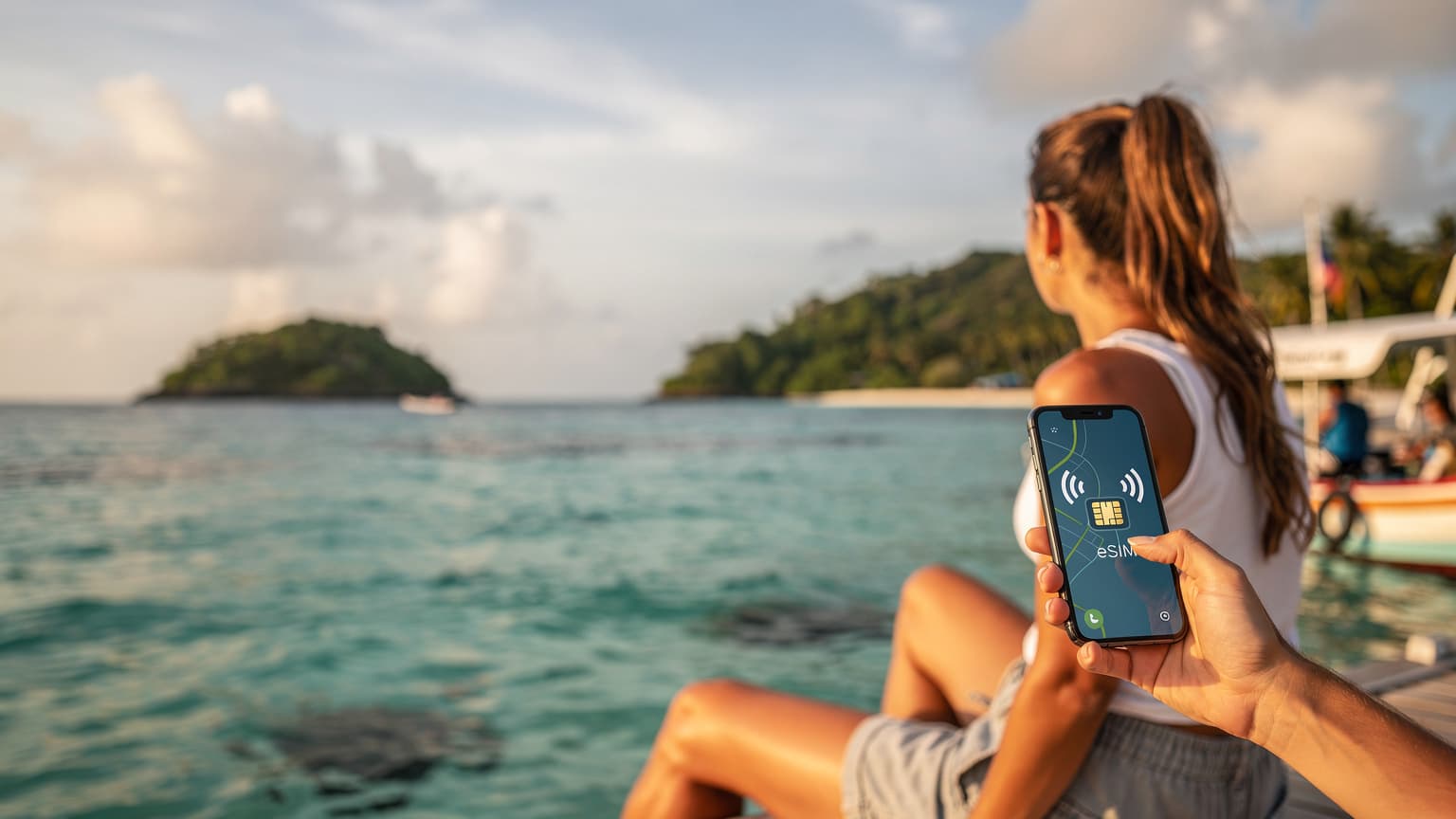
Dreaming of Bali's emerald rice paddies, serene temples, and vibrant beach clubs, but worried about your bank account doing an equally impressive dive? You're in luck! Exploring the Island of Gods doesn't have to break the bank, especially when it comes to staying connected. In 2026, the secret weapon for budget-conscious travelers is the eSIM, and understanding how to leverage it can save you a significant chunk of change. Forget exorbitant roaming fees or the hassle of physical SIM cards; the future of travel connectivity is here, and it’s surprisingly affordable.
This comprehensive guide will walk you through everything you need to know about using eSIMs in Bali, specifically tailored for a 2026 trip. We’ll cover why eSIMs are superior, how to choose the right one, installation tips, and even a few of my personal favorite budget hacks for enjoying Bali without sacrificing the experience. Let’s dive in!
Why an eSIM is Your Bali Budget Bestie
Before we get into the nitty-gritty, let's understand why an eSIM isn't just a convenience, but a genuine money-saver for your Bali adventure. For years, travelers faced a dilemma: pay sky-high roaming charges from their home provider, or hunt down a local SIM card upon arrival. Both had their drawbacks.
Goodbye Roaming Fees, Hello Savings
Traditional roaming is a budget killer. A quick check of your home provider's international rates will likely reveal costs that could easily fund a delicious Balinese meal every day. eSIMs completely bypass this by allowing you to purchase local or regional data plans directly from an online provider, often at a fraction of the cost.
No More Physical SIM Card Hassle
Remember the frantic search for a SIM card vendor at the airport, grappling with tiny trays and a paperclip? Or the fear of losing your home SIM? eSIMs eliminate all of that. They're embedded directly into your compatible smartphone, meaning you can buy and activate a plan before you even leave home, landing in Bali fully connected. This convenience alone is worth its weight in gold, especially after a long flight.
Flexibility and Control
With an eSIM, you have complete control. You can monitor your data usage easily through an app, top up if needed, or even switch to a different plan if your initial choice isn’t working out. This flexibility ensures you're only paying for what you need, preventing unexpected overages.
Understanding eSIMs for Bali: What You Need to Know in 2026
The eSIM landscape is constantly evolving, and by 2026, it will be even more prevalent and user-friendly. Here’s what’s crucial for your Bali trip:
Device Compatibility is Key
First and foremost, ensure your smartphone is eSIM compatible. Most flagship phones released from late 2018 onwards support eSIMs. This includes iPhones (XS, XR, 11 series, 12 series, 13 series, 14 series, 15 series), Google Pixel phones (3, 4, 5, 6, 7, 8 series), and many Samsung Galaxy models (S20, S21, S22, S23, S24 series, Fold, Flip series). Always double-check your specific model's specifications before you travel.
Local vs. Regional eSIMs
For Bali, you'll primarily be looking at two types of eSIMs:
- Local Bali/Indonesia eSIMs: These plans are specifically for Indonesia and often offer the best value in terms of GB for your buck. Providers like SouthESIM travel eSIM offer excellent local plans that give you generous data allowances tailored for your stay.
- Regional Asia eSIMs: If your Bali trip is part of a larger Southeast Asia adventure, a regional eSIM can be a good option. While slightly more expensive per GB, they offer seamless connectivity across multiple countries without needing to switch plans.
Choosing Your Bali eSIM Provider: SouthESIM and Beyond
In 2026, the market for eSIM providers will be robust. While many players offer competitive rates, it’s essential to choose a reliable one. Here’s what to look for and why providers like SouthESIM travel eSIM stand out:
Data Allowances and Validity Periods
Consider how much data you realistically need. Are you a heavy streamer, or just need WhatsApp, maps, and occasional social media? Plans typically range from 1GB to unlimited, with validity periods from 7 to 30 days. For a 2-week trip, 10-20GB is usually ample for most travelers. SouthESIM, for instance, offers a range of data packages that cater to different usage needs, ensuring you can find a plan that fits both your data consumption and your budget.
Network Coverage
In Bali, the main networks are Telkomsel, XL Axiata, and Indosat Ooredoo. While all offer decent coverage in major tourist areas, Telkomsel generally has the widest reach, especially in more remote parts of the island. Reputable eSIM providers like SouthESIM partner with these top local networks to ensure you get the best possible signal strength and speed.
Pricing and Transparency
Compare prices across different providers. Look for transparent pricing with no hidden fees. Some providers might offer seemingly cheap plans that lack essential features or have tricky expiry terms. Always read the fine print. SouthESIM is known for its clear pricing and straightforward plans, making it easy to budget your data costs.
Customer Support
While eSIMs are generally reliable, having access to good customer support is crucial if you encounter any issues. Check reviews for providers’ support responsiveness and helpfulness. A quick response can save you a lot of stress if you’re struggling to connect.
Step-by-Step: Installing and Activating Your Bali eSIM
Installing an eSIM is surprisingly simple, and you can often do it before you even leave home. Here’s a general guide:
- Purchase Your eSIM Plan: Visit a reputable eSIM provider's website (like SouthESIM travel eSIM). Browse their Bali/Indonesia plans and select the one that suits your data needs and trip duration. Complete the purchase.
- Receive Your QR Code/Activation Details: After purchase, you'll typically receive an email containing a QR code or manual activation details. Keep this email accessible.
- Install the eSIM (Pre-Departure or Upon Arrival):
- On an iPhone: Go to Settings > Cellular/Mobile Data > Add eSIM. You'll then have the option to "Use QR Code" or "Enter Details Manually." Scan the QR code, or input the details provided.
- On an Android (varies slightly by model): Go to Settings > Network & internet > SIMs > Add eSIM. Follow the prompts to scan the QR code or enter details manually.
Pro Tip: Install your eSIM before you travel, but don't activate it immediately. Most eSIMs only start their validity period once they connect to a network. This way, you land in Bali fully prepared to switch it on.
- Activate and Configure: Once you land in Bali and are ready to use your data, go back to your phone's Cellular/Mobile Data settings. Select your new eSIM profile. Ensure "Data Roaming" is enabled for the eSIM (don't worry, this is normal for eSIMs and won't incur roaming charges from your home provider). Make sure your home SIM is set to "Off" for data or "Primary" for calls/texts only, to avoid accidental roaming data usage.
- Test Your Connection: Open a browser or an app to confirm you have an active data connection. Enjoy your seamless connectivity!
Budget Hacks Beyond eSIMs for Your Bali Adventure
While an eSIM is a fantastic start to saving money, here are a few other tried-and-true budget tips for your 2026 Bali trip:
Embrace Local Warungs
Forget the fancy tourist restaurants every night. Bali's local eateries, known as "warungs," offer incredibly delicious and authentic Indonesian food at unbelievably low prices. A generous meal of Nasi Goreng or Mie Goreng can cost as little as 20,000-30,000 IDR (about $1.50-$2 USD). Your taste buds and your wallet will thank you.
Negotiate (Respectfully!)
In local markets for souvenirs, clothing, or even some taxi rides, polite negotiation is expected. Start with an offer around 50-60% of the asking price and work your way up. Always be friendly and smile!
Utilize Ride-Hailing Apps
For getting around, apps like Grab and Gojek (Bali's equivalents to Uber) are significantly cheaper than traditional taxis. They also offer fixed prices, so no need to negotiate. Plus, they can deliver food, groceries, and even provide massage services directly to your accommodation!
Stay in Guesthouses or Homestays
While Bali has luxurious resorts, there are countless beautiful and affordable guesthouses and homestays, especially outside the main tourist hubs of Seminyak and Canggu. You’ll often find charming rooms with private bathrooms, air-conditioning, and sometimes even a pool, for a fraction of the price.
Limit Alcohol & Imported Goods
Alcohol, especially imported brands, can be pricey in Bali due to taxes. Stick to local Bintang beer or fresh fruit juices for a more budget-friendly refreshment. Similarly, imported snacks and cosmetics will cost more than local alternatives.
Free Activities Galore
Bali offers a wealth of free or very cheap activities: watch the sunset from any beach, explore rice paddies, visit local temples (just pay a small donation for entry and sarong rental), or simply wander through the vibrant streets. Many yoga studios also offer donation-based classes.
Final Thoughts: Bali on a Budget, Connected and Happy
Traveling Bali on a budget in 2026 is not just possible, it's incredibly rewarding. By strategically using an eSIM from providers like SouthESIM travel eSIM, you'll eliminate one of the biggest budget drains – data costs – allowing you to allocate more of your funds to experiences, delicious food, and unforgettable memories. Combine this smart connectivity with local living, and you'll discover a Bali that’s rich in culture, beauty, and affordability. So, pack your bags, get your eSIM ready, and prepare for an incredible adventure without breaking the bank!