

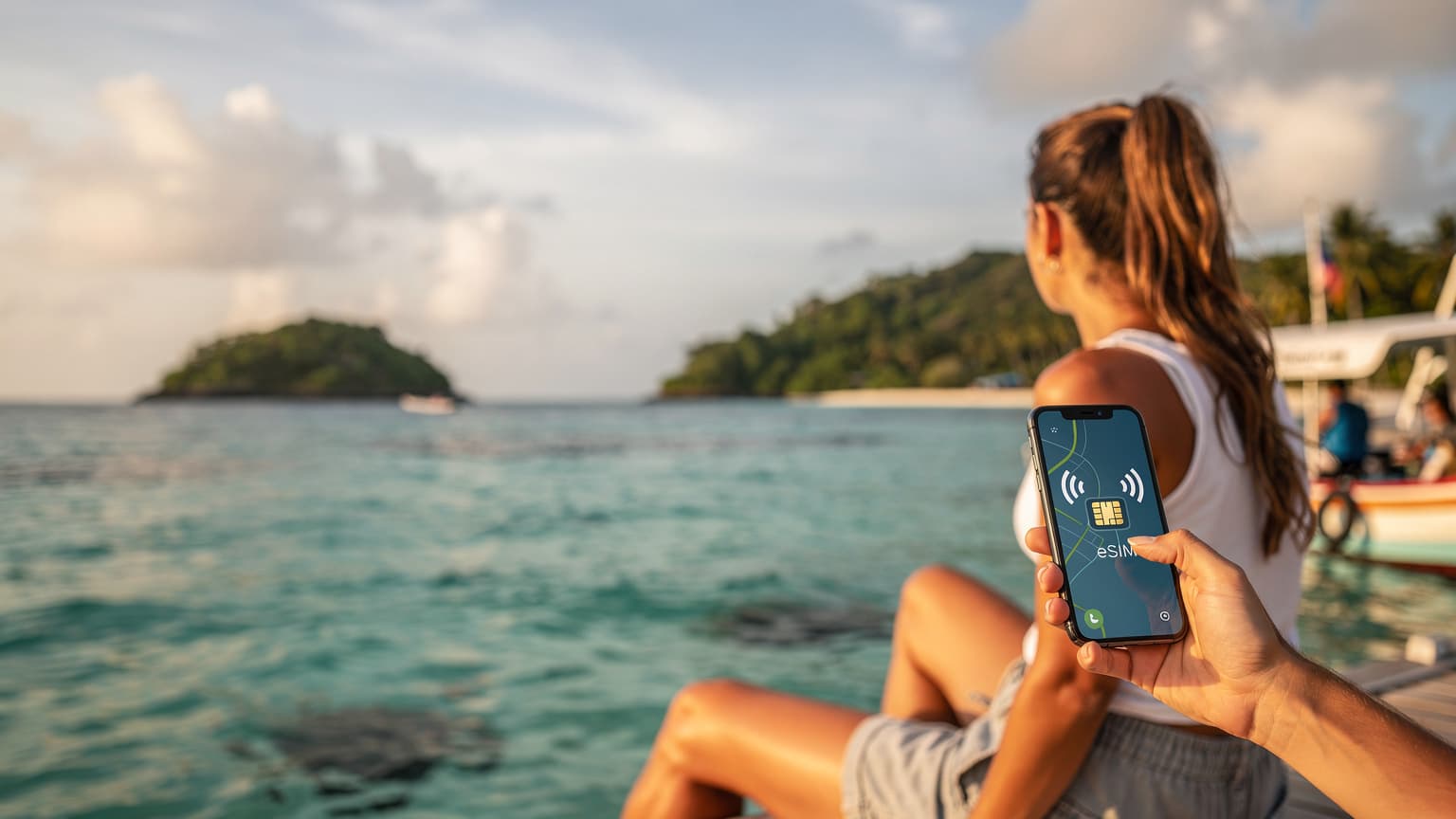
Why Fiji Demands a Different Approach to Connectivity
I remember my first trip to Fiji, nearly fifteen years ago. I landed at Nadi International, excited, but then spent a frustrating hour trying to find a working ATM in the arrivals hall before attempting to buy a local SIM. The shop at the airport, near the old rental car kiosks, was closed until 9 AM, and I was on an early flight. I eventually got one in downtown Nadi, but then moving between islands, from the main hub of Viti Levu to the smaller, more secluded spots in the Yasawas, became a whole new challenge. Each time I’d disembark from the Yasawa Flyer ferry at a new resort, I’d wonder if my signal would hold, or if I’d be back to relying on spotty resort Wi-Fi that cost a small fortune. (Don’t even get me started on trying to sort this out in the sleepy village of Waya Lailai, it was impossible.)
Fiji isn't a single destination, it's an archipelago, a constellation of over 300 islands, about a third of which are inhabited. While most international flights land in Nadi, on the western side of Viti Levu, the real magic happens when you venture out to the Mamanuca or Yasawa Islands. Each island, from the bustling port of Port Denarau on Viti Levu to the serene beaches of Taveuni, offers a unique slice of paradise. This constant movement, whether by ferry, small plane, or even private speedboat, makes traditional phone connectivity a bit of a headache. You’re not just in one place for weeks, you’re often moving every few days, and swapping physical SIMs becomes a chore, or worse, a lost opportunity to share a sunset photo with family back home.
The Challenge of Multi-Island Journeys
Imagine this, you’ve just arrived at your bure in the Yasawa Islands, perhaps at the Octopus Resort on Waya Island. You’ve spent the morning snorkeling, and you want to quickly check ferry times for your next leg to the Lomani Island Resort in the Mamanucas. With a physical SIM, you’d either need to have purchased a plan that specifically covers all these disparate locations (which isn’t always straightforward with local carriers) or face the prospect of buying a new SIM at each major stop, assuming a vendor is even available. Many of these smaller islands, particularly those beyond the main tourist hubs, don’t have dedicated mobile stores or even general stores that stock SIM cards. You’re often relying on resort staff, and their hours might not align with your travel plans.
This is where the true value of a modern solution like an eSIM shines. It removes the physical barrier, allowing you to activate a single plan that works across your entire Fijian itinerary, from the bustling markets of Suva to the quiet shores of the Coral Coast.
What Exactly is an eSIM, and Why Now?
For years, travelers have dealt with the ritual of buying local SIM cards, fumbling with tiny trays, and often losing their home SIM in the process. I’ve definitely left my main SIM in a hotel room in Cartagena, Colombia, once, and that was a logistical nightmare getting it back. An eSIM, or embedded SIM, changes all that. It's a digital SIM card, built directly into your phone, smartwatch, or tablet. Instead of a physical chip you insert, you simply download a profile from a provider.
The technology isn’t new, but its widespread adoption, especially in newer phone models (like the iPhone 14 and later in the US, for instance), has made it incredibly accessible. For a destination like Fiji, where convenience is paramount, an eSIM is a game-changer. You can literally be on the beach in the Denarau area, sipping a fresh coconut, and activate a data plan for your journey to the remote Kadavu Island without needing to find a shop or wait for delivery. This flexibility is what makes it a perfect companion for the multi-island adventurer in 2026.
The Basics: How eSIMs Work & Their Advantages
Think of an eSIM as a chameleon for your phone’s connectivity. Your device has a tiny, programmable chip that can store multiple eSIM profiles. When you purchase a plan, you receive a QR code or a manual activation code. A quick scan, and your phone downloads the necessary profile, instantly connecting you to a local network (or a network partner, if it’s a regional plan). It’s like having a digital wallet for phone numbers and data plans.
- No physical swapping: Your home SIM stays safely in your phone, avoiding loss and allowing you to receive important calls or texts.
- Instant activation: Purchase and activate your plan minutes before you need it, from anywhere with Wi-Fi. No more airport queues.
- Multiple plans: Store several eSIM profiles on one device, ideal for trips that span multiple regions or countries (like a stopover in Auckland on your way to Fiji).
- Environmentally friendly: Reduces plastic waste associated with physical SIM cards.
- Cost-effective: Often, eSIM plans can be more competitively priced than international roaming rates from your home carrier.
The Island-Hopping Advantage: Physical SIMs vs. eSIMs
When you're packing your snorkel gear and reef-safe sunscreen for a trip through Fiji’s scattered islands, the last thing you want to worry about is your phone’s connectivity. Historically, the choice was between exorbitant roaming fees or the hunt for a local SIM. For island hopping, both present significant hurdles.
With a physical SIM, the logistical challenge is real. Imagine landing in Nadi, buying a SIM from Vodafone Fiji or Digicel Fiji, getting it set up, and then a few days later, you’re off to Taveuni, the 'Garden Island.' You might find that the coverage isn’t as robust with your chosen carrier, or worse, you need a new SIM for optimal speeds. This means another trip to a store, another registration process, another tiny piece of plastic to manage. I remember once, trying to buy a local SIM in a small town in Sicily, and the shop was only open from 9 AM to 1 PM, then closed for ‘pausa pranzo’ until 4 PM, completely throwing off my plans for the day. That’s time you could be spending exploring the Bouma National Heritage Park or diving the Rainbow Reef.
An eSIM, however, sidesteps these problems entirely. A single regional eSIM plan can provide coverage across all the major islands in Fiji and potentially even extend to nearby nations like Vanuatu or Samoa, all without you ever touching a SIM tray. This is especially useful for travelers who might include a stopover in Japan on their way to Fiji, allowing seamless transition between very different mobile ecosystems.

The Hassle Factor: Local SIM Card Acquisition
Let’s break down the typical physical SIM card experience in Fiji:
- Arrival at Nadi Airport (Viti Levu): You’ll find kiosks for Vodafone Fiji and Digicel Fiji. Expect queues, especially after major flight arrivals. You’ll need your passport for registration.
- Choosing a plan: Navigating data packages, validity periods, and local call options. Some tourist plans might be available, but they aren’t always the best value for long stays or heavy data users.
- Installation: Fumbling with the SIM tray tool, inserting the new SIM, and hoping your phone recognizes it immediately.
- Moving to a new island (e.g., Mamanucas): You discover your signal is weak or non-existent in certain coves. Perhaps the other carrier has better coverage there.
- Repeat the process: If you switch carriers for better coverage, you start all over again, potentially losing any remaining data on your previous SIM.
Compare this to an eSIM: purchase online days before you leave home, activate with a QR code over airport Wi-Fi, and you’re connected. It’s a difference between spending precious holiday time on logistics and immediately heading for your resort in the Coral Coast’s Sigatoka region.
| Feature | Physical SIM Card | eSIM |
|---|---|---|
| Purchase Method | In-store, airport kiosks | Online, any time |
| Activation Time | Minutes to hours (with registration) | Seconds (after QR scan) |
| Convenience for Island Hopping | Low, requires multiple purchases/swaps | High, single plan for multiple locations |
| Risk of Losing Home SIM | High, if swapped repeatedly | None, home SIM remains in tray |
| Device Compatibility | All unlocked phones with SIM tray | Newer, eSIM-compatible smartphones, tablets |
Navigating Fiji's Mobile Landscape: Operators and Coverage
Fiji's mobile market is primarily dominated by two major players: Vodafone Fiji and Digicel Fiji. Both offer reasonable coverage, especially around the main island of Viti Levu and the more popular tourist islands in the Mamanucas and Yasawas. However, venture further afield to lesser-visited islands like Vanua Levu, Taveuni, or the Lau Group, and coverage can become spotty, often favoring one carrier over the other in specific coves or villages.
Understanding their networks is key, even with an eSIM, as your eSIM provider will likely partner with one of these local operators. Vodafone Fiji generally boasts a slightly wider 4G LTE footprint, particularly in some of the more remote areas, having invested heavily in infrastructure over the years. Digicel Fiji, while strong in urban centers like Suva and Lautoka, might have slightly less reach in the truly isolated spots. Both typically operate on standard GSM bands, with 4G LTE on bands 3 (1800 MHz) and 28 (700 MHz), and 3G on band 1 (2100 MHz).
Fiji’s Major Network Providers: Where They Shine
When you’re relying on your phone to call a taxi from your resort in Pacific Harbour or check the menu for a restaurant in Denarau, knowing which network has the strongest signal can make all the difference. For instance, in the popular Mamanuca Islands, where resorts like Plantation Island and Musket Cove are clustered, both Vodafone and Digicel offer decent service. However, if you’re heading further north into the Yasawas, towards islands like Nacula or Matacawalevu, one might outperform the other. It’s not uncommon for resorts on these islands to recommend a specific carrier based on their location.
A good regional eSIM plan often leverages the best available network, seamlessly switching between partners if one offers better coverage. This is a huge benefit for island hoppers, as you don't need to predict which carrier will be best at each stop.
| Operator | Primary Coverage Areas | Key Strengths | Common Frequency Bands |
|---|---|---|---|
| Vodafone Fiji | Viti Levu (Nadi, Suva, Lautoka), Mamanuca, Yasawa, Vanua Levu (Labasa, Savusavu), Taveuni | Widest 4G LTE coverage, good for remote islands | 4G: B3 (1800MHz), B28 (700MHz); 3G: B1 (2100MHz) |
| Digicel Fiji | Viti Levu (Nadi, Suva, Lautoka), Mamanuca, Yasawa, Ovalau (Levuka) | Strong in urban centers, competitive tourist packages | 4G: B3 (1800MHz), B28 (700MHz); 3G: B1 (2100MHz) |
Choosing Your eSIM Plan: Data Needs and Duration
Selecting the right eSIM plan for your Fijian adventure requires a bit of foresight. It’s not just about getting online, it’s about having enough data to navigate, communicate, and share your experiences without constantly worrying about running out. Are you a light user who just needs to check emails and map directions to the Garden of the Sleeping Giant, or are you a digital nomad who needs to upload high-res photos from your diving expedition off the Coral Coast?
Consider the length of your trip. A week-long sprint through the Mamanucas will have different data demands than a month-long exploration of Viti Levu, Vanua Levu, and Kadavu. Most eSIM providers offer plans ranging from a few gigabytes for short trips to larger packages for extended stays. For a typical two-week island-hopping trip, I usually budget for at least 10-15 GB of data, especially if I’m relying on my phone for navigation, social media, and occasional video calls back home.
Data Usage Patterns: What to Expect in Fiji
Your data consumption will vary greatly depending on your activities:
- Light Use (1-3 GB/week): Checking emails, WhatsApp messages, light social media browsing, basic navigation (e.g., finding your way around Nadi Town or checking bus schedules for the Pacific Transport route).
- Moderate Use (5-10 GB/week): Regular social media updates, streaming music, occasional video calls, using travel apps like iFiji for local information, uploading a few photos from your trek to Tavoro Waterfalls.
- Heavy Use (15+ GB/week): Frequent video calls, streaming high-definition video, uploading large files, extensive use of navigation apps while driving around Viti Levu, working remotely from a resort in Denarau.
Remember, many resorts, especially on the smaller islands, still charge for Wi-Fi or offer very limited free access. Having your own reliable data connection means you aren’t beholden to their schedules or pricing. This is a lesson I learned the hard way at a small guesthouse in Koh Lanta, Thailand, where the Wi-Fi was only available in the lobby, and only from 7 AM to 9 PM, making early morning planning impossible. Seamless connectivity for Songkran is just as important as for Fiji!
Comparing eSIM Plans for the South Pacific
When looking at eSIM options, you’ll find various providers offering plans specifically for Fiji, or broader regional plans that cover the South Pacific. A regional plan is often the smartest choice if your travels extend beyond Fiji to places like Vanuatu, Samoa, or even Australia/New Zealand (perhaps a stopover in Sydney’s Circular Quay). The key metrics to compare are data allowance, validity period, and price.
| Plan Type | Data Allowance | Validity | Estimated Price (USD) | Best For |
|---|---|---|---|---|
| Fiji Specific (Basic) | 5 GB | 7 Days | $15 - $20 | Short stays, light users on Viti Levu/Mamanucas |
| Fiji Specific (Standard) | 10-15 GB | 15-30 Days | $25 - $40 | Typical two-week island hopping, moderate use |
| South Pacific Regional | 20 GB | 30 Days | $50 - $70 | Extended trips, multi-country journeys (e.g., Fiji & Vanuatu) |
| Unlimited Data (Fiji) | Unlimited (with FUP) | 7-15 Days | $30 - $55 | Heavy users, remote workers, streaming content |
Getting Your eSIM Up and Running: A Step-by-Step Guide
One of the beauties of an eSIM is its straightforward activation process. You don't need a degree in telecommunications, just a few minutes and a Wi-Fi connection. The best time to activate your eSIM is before you even leave home, or at least while you have stable Wi-Fi at Nadi International Airport before heading to Port Denarau for your ferry.
Here’s a general guide, applicable to most modern smartphones (like an iPhone running iOS 17 or a Samsung Galaxy running Android 14). Keep in mind that specific menu names might vary slightly depending on your device and operating system version.
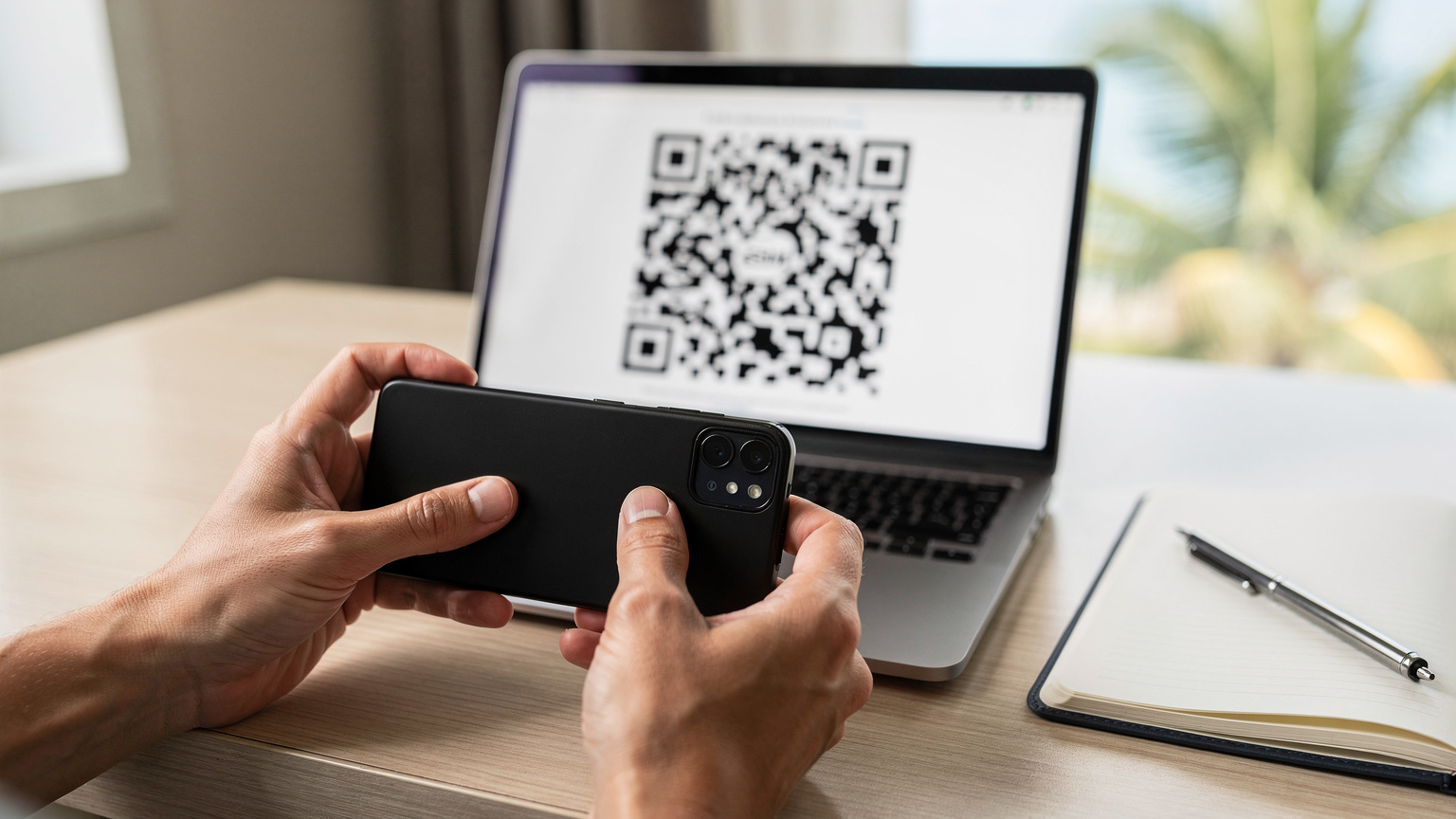
Activating Your eSIM on an iPhone
- Purchase your eSIM plan: Visit a trusted eSIM provider’s website (like SouthESIM's Fiji page) and select the plan that suits your travel needs. You’ll receive a QR code via email.
- Ensure Wi-Fi connection: Before you begin, make sure your iPhone is connected to a stable Wi-Fi network. This is crucial for downloading the eSIM profile.
- Access Cellular Settings: Go to Settings > Cellular (or Mobile Data).
- Add eSIM: Tap on Add eSIM. You’ll usually have the option to “Transfer from Nearby iPhone” (if applicable) or “Use QR Code.” Choose Use QR Code.
- Scan QR Code: Use your iPhone’s camera to scan the QR code provided by your eSIM provider. Make sure the code is well-lit and in focus.
- Follow Prompts: Your phone will guide you through a few simple steps to confirm the activation. You might be asked to label your new eSIM (e.g., “Fiji Travel”).
- Set Data Line: Once activated, go back to Cellular (or Mobile Data) settings and ensure your new eSIM is selected for “Cellular Data.” You can also set your home SIM as the “Primary” line for calls/texts if you wish, and use the eSIM purely for data.
- Enable Data Roaming: For the eSIM to connect to the local Fijian network, you’ll need to ensure Data Roaming is turned ON for that specific eSIM profile. Don’t worry, with an eSIM, this only applies to the data plan you purchased, not your home carrier’s expensive roaming.
Activating Your eSIM on an Android Phone
- Purchase your eSIM plan: As with iPhone, select and purchase your preferred plan from an eSIM provider. You’ll receive a QR code or manual activation code.
- Connect to Wi-Fi: Ensure your Android device is connected to a stable Wi-Fi network.
- Navigate to Network Settings: Go to Settings > Network & internet > SIMs (or Mobile network).
- Add SIM: Look for an option like “Download a SIM,” “Add eSIM,” or “+” next to SIMs.
- Scan QR Code: Choose to use a QR code. Scan the code provided by your eSIM provider. If you have a manual activation code, you can enter it here.
- Complete Activation: Follow the on-screen prompts to download and install the eSIM profile. You can assign a name to it for easy identification.
- Set Preferred SIM for Data: Once installed, go back to Network & internet > SIMs and select your newly added eSIM as your preferred SIM for mobile data.
- Enable Roaming: Just like with iPhone, ensure data roaming is enabled for your eSIM profile. This allows it to connect to the local networks in Fiji.
Beyond Fiji: Extending Your eSIM to Other Pacific Gems
Many travelers to Fiji often combine their trip with visits to nearby South Pacific nations. Perhaps a stopover in Auckland’s Wynyard Quarter, or a short hop to Port Vila in Vanuatu, or Apia in Samoa. The beauty of a regional eSIM plan is its ability to seamlessly transition across these borders, offering continuous connectivity without the need for multiple SIM purchases.
Instead of buying a Fiji-specific eSIM, then a separate one for Vanuatu, consider a broader Oceania or Asia-Pacific plan. This simplifies your travel tech immensely. Imagine landing in Vanuatu’s Bauerfield International Airport after a short flight from Nadi, and your phone automatically connects to the local Digicel or TVL network. No airport queues, no currency conversions for a SIM card, just instant data to book a shuttle to your resort on Efate or look up opening times for the Port Vila Market (which usually runs from early morning until about 5 PM, but closes earlier on Saturdays).
Pacific eSIM Coverage: Which Countries Are Included?
When you’re looking at regional eSIM plans, pay close attention to the list of included countries. A good South Pacific or Oceania plan will typically cover:
- Fiji: Naturally, with its main islands and popular tourist destinations.
- Vanuatu: Including Efate, Espiritu Santo, and Tanna.
- Samoa: Covering Upolu and Savai’i.
- Tonga: Primarily Tongatapu.
- Cook Islands: Rarotonga and Aitutaki.
- Australia & New Zealand: Often included in broader Oceania plans, useful for connecting flights or extended stays in cities like Melbourne or Christchurch. An Asia-20 eSIM could be a powerful tool for combining these regions if your route involves Southeast Asia as well.
Always double-check the fine print for data caps and validity in each specific country. Some regional plans might offer a large overall data pool but have specific limitations if you spend too long in one particular country outside the primary target destination.
Real-World Scenarios: Making the Most of Your eSIM in Fiji
Connectivity in Fiji isn't just about sharing beach selfies. It's about practicalities, safety, and enhancing your travel experience. Having reliable data, whether you're navigating the bustling streets of Suva or trying to find a secluded spot on Beachcomber Island, makes all the difference.
Navigation and Transportation
Gone are the days of relying solely on paper maps. With your eSIM, you can use Google Maps or Maps.me to navigate local roads, find hidden eateries in Nadi’s Martintar district, or locate the nearest ferry terminal at Port Denarau. For local transport, ride-sharing apps like Booking a ride in Barranquilla are becoming increasingly popular in urban areas, and while Fiji might not have a widely adopted Uber equivalent, local taxi services often use WhatsApp for bookings, requiring a data connection.
Communication and Emergencies
Staying in touch with loved ones is paramount. WhatsApp, Facebook Messenger, and even basic email become lifelines. More importantly, in an emergency, having a working phone is non-negotiable. Whether it's contacting your resort, local authorities, or even just checking weather updates if a tropical depression is brewing, reliable data from your eSIM provides peace of mind. I’ve had moments in remote parts of Greece where a quickly activated eSIM saved me from a truly stranded situation, and wilderness communications are no joke.
Staying Updated on Local Info
From checking opening hours for the Sri Siva Subramaniya Swami Temple in Nadi (typically open from 6 AM to 6 PM, but check for specific puja times) to reading reviews of a restaurant in Lautoka, your eSIM keeps you informed. Many local businesses, tour operators, and even the Fiji Tourism website rely on their online presence to provide up-to-date information. Missing out on a cultural event or a last-minute tour because you couldn’t get online is a real shame.
Troubleshooting Common eSIM Issues While Abroad
Even with the most seamless technology, a hiccup can occur. While rare, understanding how to troubleshoot common eSIM issues can save you a lot of frustration when you’re trying to upload that perfect drone shot of the Yasawas. Often, these issues are minor and easily resolved.
No Service or Weak Signal
This is the most common concern. First, check your phone’s settings. Is your eSIM profile actually enabled for mobile data? Is data roaming turned on for that specific eSIM? Sometimes, a simple restart of your phone can resolve temporary network glitches. If you’re on a smaller island, remember that coverage can be inherently limited. Try moving to a higher elevation or an open area. If you’re consistently without service, try manually selecting a network operator in your phone’s settings (e.g., choose Vodafone Fiji instead of automatic selection).
Data Not Working Despite Signal
If you have a signal but no data, check your APN (Access Point Name) settings. Most eSIMs configure this automatically, but sometimes it needs manual adjustment. Your eSIM provider’s support page will have the correct APN settings. For Fiji, typical APNs might be “internet” or “vodafone.net” for Vodafone Fiji. Also, confirm you haven’t exhausted your data allowance. A quick check of your eSIM provider’s app or website can confirm your remaining balance.

eSIM Not Activating
If your eSIM isn’t activating after scanning the QR code, first ensure you have a strong, stable Wi-Fi connection. The QR code is a one-time use download link, so if it fails, you might need to request a new one from your provider’s support. Also, verify your phone is eSIM-compatible. Older models, or some region-specific models, might not support eSIM functionality. And always, always check that you’re not trying to activate an eSIM on a phone that’s still locked to a specific carrier. I’ve seen countless travelers at airports, frantically trying to activate a new SIM or eSIM, only to realize their phone is still locked to their home provider, a problem that’s easily avoided with a quick call to your carrier before you leave.
Prepping for Your 2026 Fiji Adventure: A Connectivity Checklist
Before you board that plane to Nadi, take a moment to ensure your connectivity is sorted. A little preparation goes a long way in ensuring a stress-free experience, allowing you to fully immerse yourself in Fiji’s beauty, from the colourful reefs of the Great Astrolabe Reef to the bustling markets of Lautoka.
Your Pre-Departure Connectivity Checklist
- Confirm eSIM Compatibility: Double-check that your smartphone, tablet, or smartwatch supports eSIM technology. Most newer models (iPhone XS/XR and later, Samsung Galaxy S20 and later, Google Pixel 3 and later) are compatible.
- Purchase Your eSIM Plan: Select a suitable eSIM plan for Fiji or the South Pacific. Consider your data needs and the duration of your trip. Purchase it a few days before you leave, so you have time to receive the QR code and clarify any questions.
- Download Essential Apps: Install offline maps (like Maps.me), translation apps, and communication apps (WhatsApp) before you travel. While your eSIM provides data, having offline backups is smart for truly remote areas.
- Unlock Your Phone: Ensure your phone is unlocked by your home carrier. This is critical for any international SIM or eSIM to function.
- Backup Important Info: Save screenshots of your eSIM QR code and activation instructions to your photo gallery, or print them out. If you lose Wi-Fi signal before activation, this can be a lifesaver.
- Inform Your Home Carrier: Let your home carrier know you’ll be traveling internationally. Inquire about any temporary roaming options they might offer, just in case, but rely on your eSIM for primary data.
- Power Bank: Always carry a fully charged power bank. You’ll be using your phone more for navigation and photos, and power outlets can be scarce on inter-island ferries or remote beaches.
By following these steps, you’ll be well-equipped to enjoy seamless connectivity throughout your Fijian island-hopping adventure in 2026. This allows you to focus on the swaying palms, the vibrant coral, and the warm “Bula!” greetings, rather than worrying about your phone signal.
Frequently Asked Questions
What is the best way to get internet in Fiji for island hopping?
For island hopping in Fiji, an eSIM is the most convenient option. It allows you to maintain data connectivity across multiple islands without needing to swap physical SIM cards, offering seamless service from Viti Levu to the Yasawas.
Can I use an eSIM in remote Fijian islands?
Coverage on remote Fijian islands can vary by network operator. However, many regional eSIMs partner with major local carriers like Vodafone Fiji, which generally has the widest 4G LTE footprint. While not every tiny cove will have perfect signal, an eSIM offers the best chance of consistent connectivity.
How much data do I need for a two-week trip to Fiji?
For a two-week island-hopping trip in Fiji, a moderate user should aim for an eSIM plan with at least 10-15 GB of data. This allows for navigation, social media, communication, and occasional streaming without constant worry about running out.
Is my phone compatible with an eSIM for Fiji?
Most newer smartphones, including iPhone XS/XR and later, Samsung Galaxy S20 and later, and Google Pixel 3 and later, are eSIM compatible. Always check your specific device's specifications or consult your phone manufacturer's website to confirm compatibility before purchasing an eSIM plan.
Can I keep my home phone number while using an eSIM in Fiji?
Yes, one of the key advantages of an eSIM is that your physical home SIM card remains in your phone. You can set your home SIM for calls and texts, and your eSIM for mobile data, allowing you to use your familiar number while benefiting from affordable local data rates.
What if my eSIM doesn't work when I arrive in Fiji?
If your eSIM isn't working, first check your phone's settings to ensure the eSIM is enabled for mobile data and data roaming is on. Confirm you have a stable Wi-Fi connection for initial setup. If issues persist, contact your eSIM provider's support, as they can help troubleshoot or provide a new activation code if necessary.